
 Free
✿ FREE ONLINE COLORING PAGES
Make room
for color.
Color pictures right in your browser on a phone, tablet or computer, or print them to color on paper. Free, with no account needed.
- Your progress is saved
- Print or color online
a little you-time✿ Color some flowers
Tap to fill or paint with brushesEasy, medium and detailed pagesNew pictures added every week

HALLOWEEN COLLECTION
A little spooky. A lot of color.
Friendly ghosts, pumpkin pals and costume parties to color, plus a printable Halloween book.
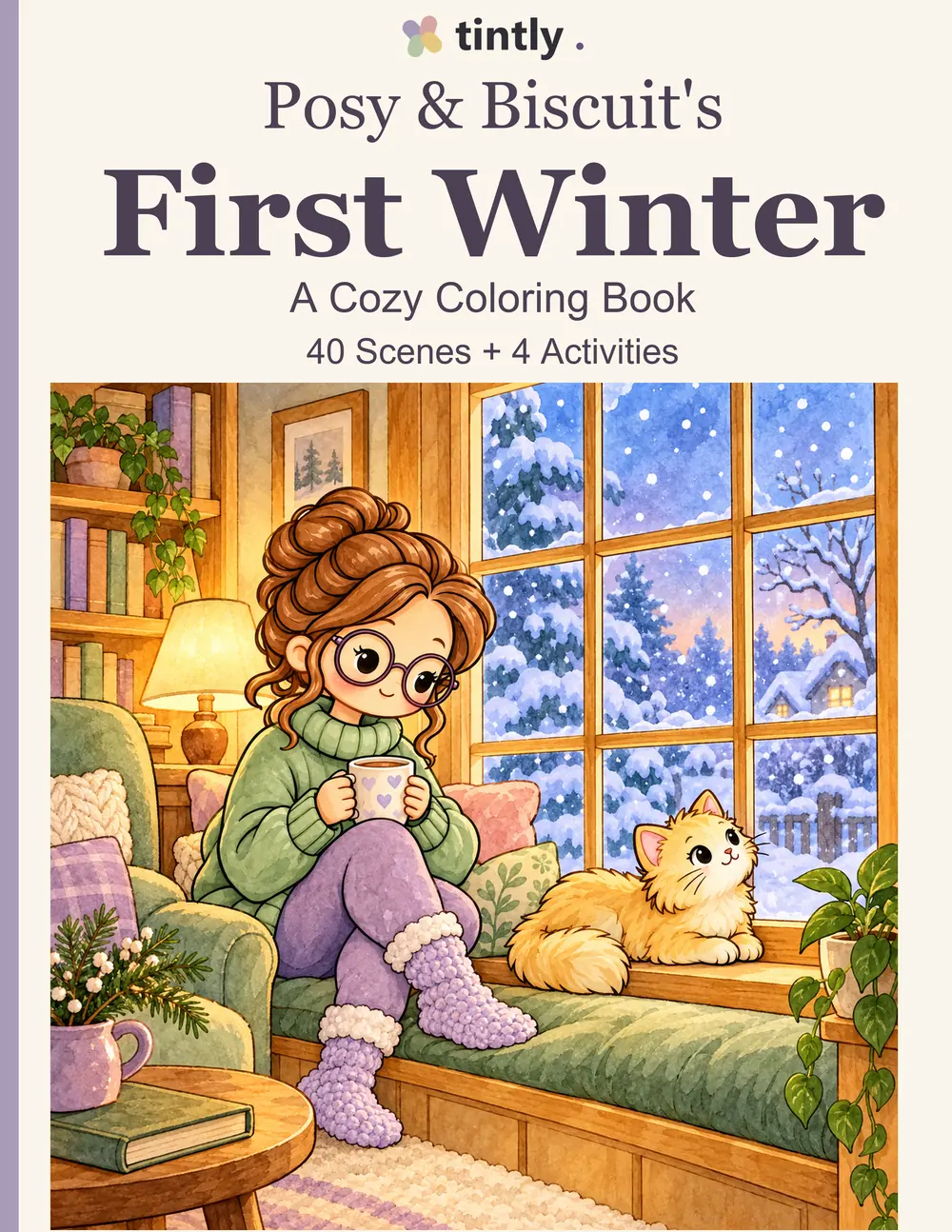
NEW COLORING BOOK
Posy & Biscuit's First Winter
One cozy winter with Posy and her kitten Biscuit in their new home: 40 pages to color, from the first frost to the first seedlings.
Loading coloring pages…
Loading coloring pages…
HOW IT WORKS
Color in
three steps.
No paints, app or account needed.
A browser is enough.
Pick a page
Browse by category or difficulty. Easy pages have big shapes; detailed ones take a while longer.
Color it your way
Tap an area to fill it, or paint with brushes. You can undo anything, and your progress saves as you go.
Keep it or print it
Download your finished picture, or print the blank page and color it on paper.
Questions about coloring?
Do I need an account to color?
No. Choose a free picture and start coloring. You can also favorite pictures and save your progress in this browser without an account.
Which picture should I start with?
Look for Easy if you prefer fewer details. You can choose any picture, whatever your age. Tap Undo if you want to change your last step.
How do I keep my picture?
Choose Download picture to keep a copy on your device. It downloads as a regular PNG picture that you can open, share, or print. You can download at any time.
Where can I find my unfinished pictures?
Open My Artwork and choose In progress, or use Continue coloring on the home page. No account is needed. Use the same browser and device, and download pictures you want to keep before clearing browser data.
What are Favorites?
Favorites are pictures you bookmark to find later. Your coloring progress appears separately in My Artwork. Both are saved in this browser, and sync to your account when you sign in.